Every AI coding agent.
One control plane.
Nexor runs Claude, Codex, Gemini, Grok and more — locally, side by side. Split chats, best-of-N races, your own keys and proxies. Your machine stays in charge.
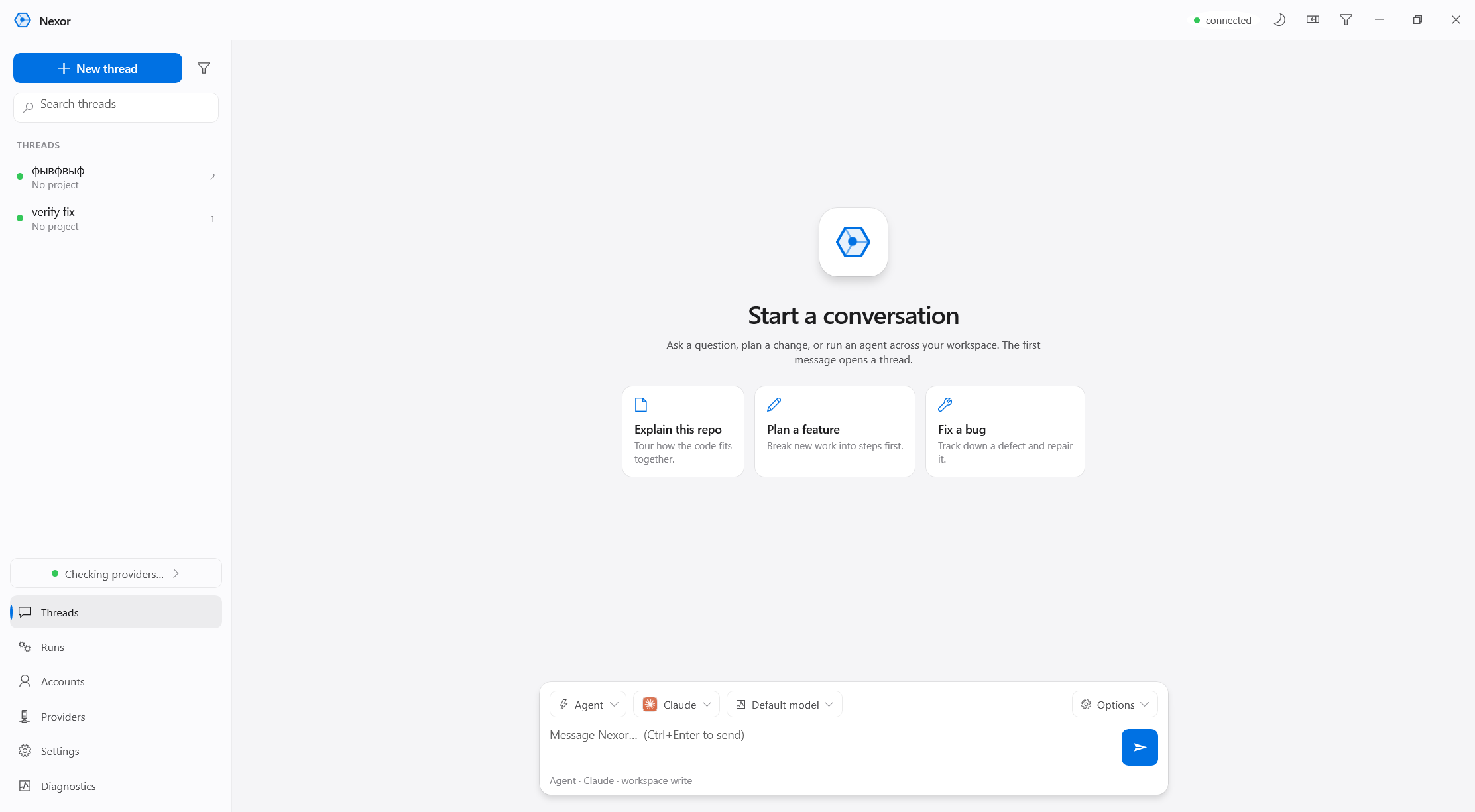
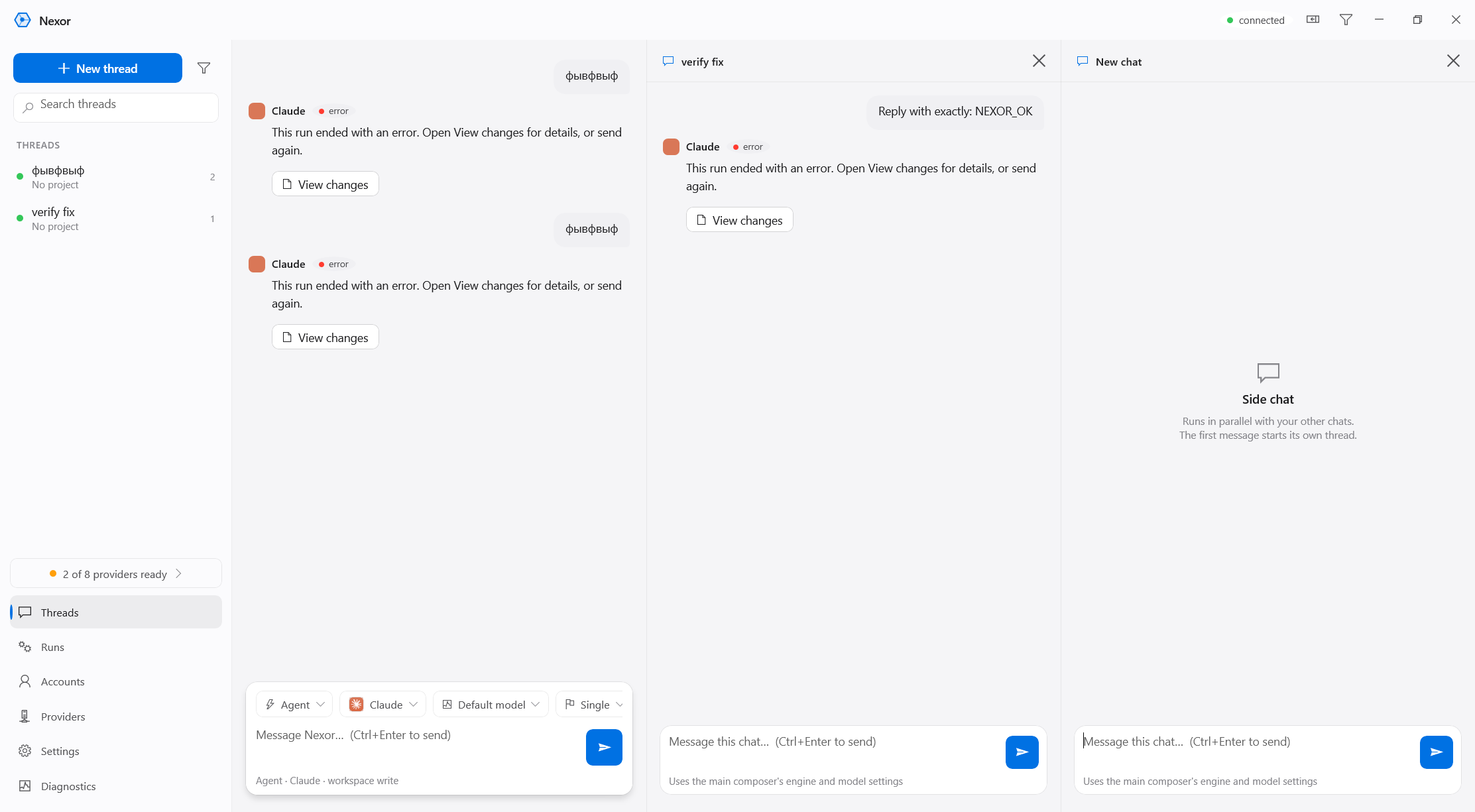
Several chats.
All in front of you.
Open up to four conversations side by side. Every pane is its own thread with its own engine, model and mode — streaming in parallel.
Pick a brain.
Or race three.
The composer routes each turn to any connected engine. Live model lists come from your own logins. Best-of-N races run candidates in parallel and keep the strongest answer.
 Claude
 Codex
Codex Gemini
 Grok
Grok OpenRouter
 Cursor
 OpenCode Claude ▼
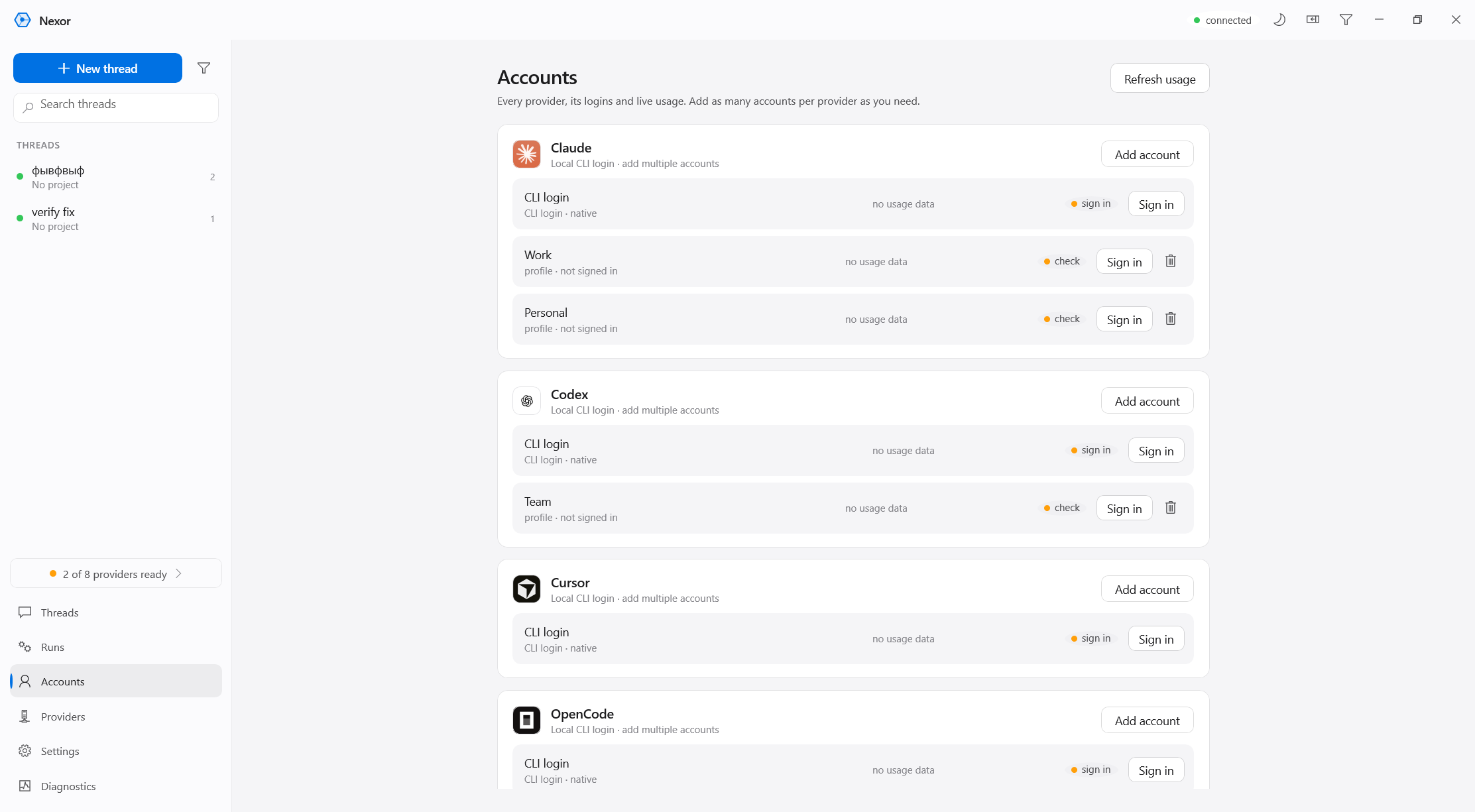
Your logins.
Your keys. Your proxies.
Connect as many accounts per provider as you need. Everything stays on your machine in a managed secret store — nothing is sent anywhere you didn’t point it.
Install once.
Right-click anywhere.
Nexor-Setup.exe — per-user, no admin, no prerequisites.Self-contained: ships its own runtime — no .NET, no Node, no prerequisites. Windows 10 1809+ · x64.
Nexor-win-x64.zip——